

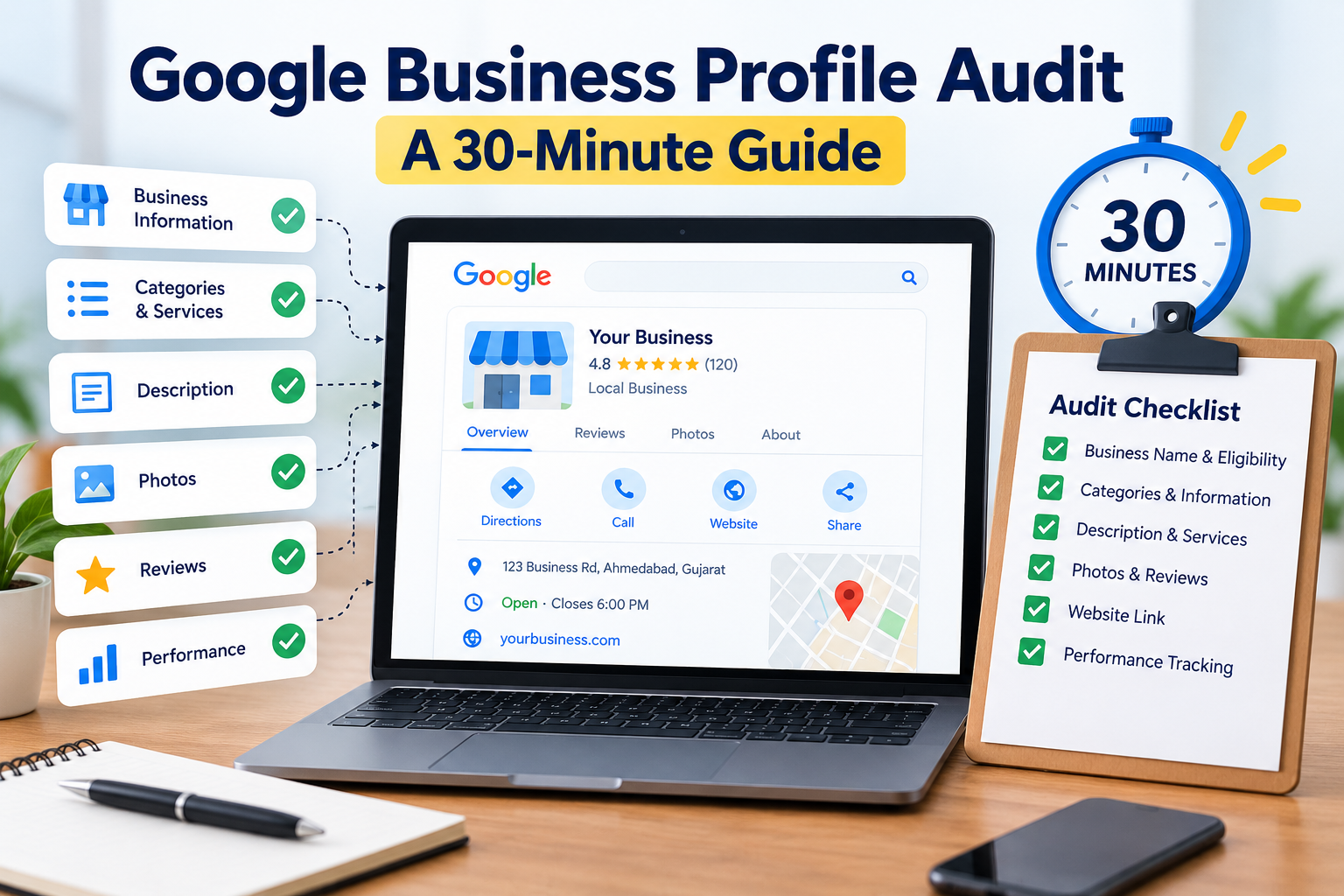
A Google Business Profile audit helps small businesses identify incorrect information, missing details, and opportunities to improve their local search presence. By reviewing your profile regularly, you can make it easier for potential customers to find accurate information, understand your services, and contact your business.
The good news is that you do not need expensive SEO software to identify many common problems. With a systematic approach, you can review the essential parts of your profile in about 30 minutes. Some issues, such as verification problems or incorrect business information across multiple websites, may take longer to resolve.
This guide explains what to check, how to prioritize improvements, and how to measure progress without relying on guesswork.
Table of Contents
- What Is a Google Business Profile Audit?
- Check Your Business Name and Eligibility
- Review Categories and Business Information
- Improve Your Description and Services
- Check Photos and Customer Reviews
- Review Your Website Link
- Measure Performance
- Use the Final Audit Checklist
- Final Thoughts
What Is a Google Business Profile Audit?
A Google Business Profile audit is a structured review of your business information and profile features on Google Search and Google Maps.
The purpose is to check whether your profile accurately represents your business, provides useful information, and gives potential customers a clear path to take action.
Google identifies relevance, distance, and prominence as the main factors influencing local search results. Completing every item in an audit does not guarantee a particular ranking, but it can help you correct information problems and improve the experience for people discovering your business.
You can read Google’s official guidance on improving local ranking.
1. Check Your Business Name and Eligibility
Time: 5 minutes
Start by searching for your business name on Google. Open the existing profile and confirm that it represents the correct business.
If a profile already exists, claim it or request access through Google’s official process rather than creating a duplicate. If your business has not been verified, follow the verification method Google provides.
Next, check the eligibility requirements. Google Business Profiles are intended for eligible businesses that have in-person contact with customers during their stated hours. Storefront businesses and qualifying service-area businesses may be eligible, while online-only businesses without an eligible in-person operation generally do not qualify.
Your business name should match the name used in the real world. Avoid adding extra keywords, locations, or promotional phrases purely to influence rankings.
For example, if your actual business name is Bright Dental Clinic, do not change it to “Bright Dental Clinic Best Dentist Ahmedabad” simply to target additional searches.
For more details, review Google’s Business Profile guidelines.
2. Review Categories and Business Information
Time: 5 minutes
Your primary business category should describe your main business activity as accurately as possible. Add other categories only when they genuinely apply to the business.
For example, a dental clinic should select an appropriate dental category instead of adding unrelated categories in the hope of appearing for more searches.
During this part of your Google Business Profile audit, review the following information:
- Business phone number and official website URL
- Regular opening hours and special holiday hours
- Business address, where applicable
- Service areas, where applicable
- Available services, products, and relevant attributes
- Other business details shown on the profile
Compare these fields against your actual business information. Update outdated phone numbers, incorrect opening hours, and inaccurate service details.
If you operate from a home address but serve customers at their locations, make sure your profile reflects the correct service-area business arrangement and follows Google’s address-display rules. Never use a virtual office or invented location to create a misleading local presence.
Accurate information helps customers decide whether your business suits their needs and reduces confusion before they call or visit.
3. Improve Your Description and Services
A useful business description should explain what you do, who you serve, and what customers can expect.
Imagine a potential customer who has never heard of your business. After reading the description, they should understand your main offering without having to decode a list of keywords.
For example, a local accounting firm might explain that it provides bookkeeping, tax preparation, and accounting support for individuals and small businesses.
Avoid repetitive phrases such as “best accountant near me” or adding a long list of cities that the business does not actually serve.
Review your services section too. Remove outdated offerings and add relevant services supported by your business. Use straightforward descriptions that help customers understand what is included.
You should also review any available business attributes and other profile sections. Complete the fields that apply, but do not add information that you cannot substantiate.
The objective is accuracy and usefulness, not filling every field with repetitive marketing language.
4. Check Photos and Customer Reviews
Time: 5 minutes
Photos help potential customers understand what your business looks like and what you offer. Review your current images and remove or replace anything that is outdated, misleading, or no longer representative of the business.
Depending on your business type, useful images may include:
- The storefront and entrance
- The interior or customer-facing facilities
- Products or examples of completed work
- Team members performing their actual roles
- Equipment or other relevant service details
Use authentic photographs that you own or have permission to publish. Avoid copying competitors’ images or using photographs that misrepresent your business.
Next, review your customer feedback. Identify unanswered reviews and recurring concerns that require attention.
Respond professionally to both positive and negative reviews. Thank customers for genuine feedback, acknowledge legitimate complaints, and offer an appropriate way to resolve problems. Do not reveal private customer information in a public response.
You can ask real customers to leave honest reviews after using your service. However, buying reviews, offering rewards in exchange for positive ratings, or publishing fabricated feedback can violate Google’s policies.
Read Google’s prohibited and restricted content policy before setting up a review collection process.
5. Review Your Website Link
A well-maintained profile should lead customers to a useful and accessible website page.
Open the website link shown on your profile and check that it works correctly on mobile devices and desktop computers.
Visitors should be able to find:
- A clear explanation of your products or services
- Accurate contact information
- The locations you genuinely serve
- Relevant service pages or product information
- A clear way to make an enquiry or contact the business
For example, a local plumbing business should explain its services and service area, then make it easy for a visitor to request assistance.
If your business provides several services, linking to the homepage may be appropriate. For a specific service or campaign, a directly relevant landing page can be more useful.
Test your phone links, contact forms, and other enquiry options. A customer who cannot submit a form or find a working phone number may leave without contacting you.
If you use analytics, consider adding appropriate UTM tracking parameters to help identify traffic from your Business Profile. Check that the tagged URL works before using it.
For additional reading on Business Profile performance, see DGMI’s guide to Google Business Profile post view counts.
6. Measure Performance and Record Your Baseline
Time: 5 minutes
A practical Google Business Profile audit should finish with a review of the data available to you.
Google Business Profile performance reporting can provide information about how customers interact with your profile. Depending on the profile and reporting availability, metrics may include searches, views, calls, website clicks, and direction requests.
Use Google’s Business Profile performance guide to understand the available reporting.
Record the metrics that matter to your business and note the date of your audit. This gives you a baseline for future comparisons.
For example, if website clicks increase but enquiries remain low, investigate whether your website makes the next step clear. If customers repeatedly ask about a service that is not listed, consider whether your profile needs more accurate service information.
Avoid judging progress from a single search on one device. Local search results can vary with the searcher’s location, the query, and competing businesses.
Review the data periodically and document the changes you make. This helps you distinguish useful improvements from assumptions about what might influence rankings.
7. Use the Final Audit Checklist
Use this checklist to summarize the results of your Google Business Profile audit.
| Audit item | What to verify |
|---|---|
| Ownership and eligibility | The correct business controls an eligible profile |
| Business name | It accurately matches the real-world name |
| Primary category | It reflects the main business activity |
| Contact information | Phone number, website, hours, and applicable location details are correct |
| Services and description | Information is useful, accurate, and current |
| Photos | Images are authentic and representative |
| Customer reviews | Feedback is genuine and responses are professional |
| Website link | The page works and makes it easy to contact the business |
| Performance | Available metrics are recorded for future comparison |
Mark each item as Pass, Needs attention, or Not applicable.
Prioritize errors that prevent customers from finding your business or contacting you. After correcting those problems, work through less urgent improvements.
What to Do After the Audit
A one-time review is a useful starting point, but keeping your profile accurate requires ongoing attention.
Update business information whenever it changes. Respond to customer feedback, replace outdated images when necessary, and check performance periodically.
If your business serves customers at multiple eligible locations, review each profile separately. Do not create duplicate profiles or artificial locations solely to target additional geographic searches.
For relevant website improvements, Google’s Local Business structured data documentation explains how to provide accurate information about a business on its website, where applicable. Structured data should match the visible page content and does not guarantee better rankings or a special search appearance.
Final Thoughts
A Google Business Profile audit does not need to be complicated. By checking ownership, business details, categories, photos, reviews, website links, and performance data, small businesses can find problems that affect their visibility and customer experience.
Start with the essentials, correct inaccurate information, and document what you find. Revisit your profile regularly and use available performance data to decide what to improve next.
Local SEO is an ongoing process rather than a one-time setup. A well-maintained profile, supported by an accurate website and useful information, gives customers a clearer picture of what your business offers.